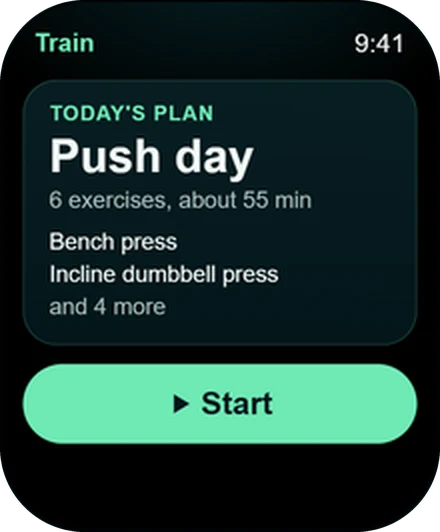
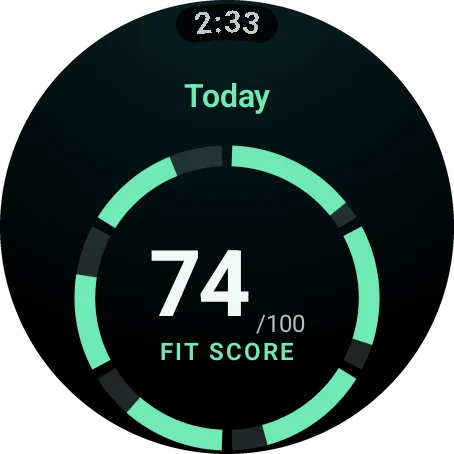
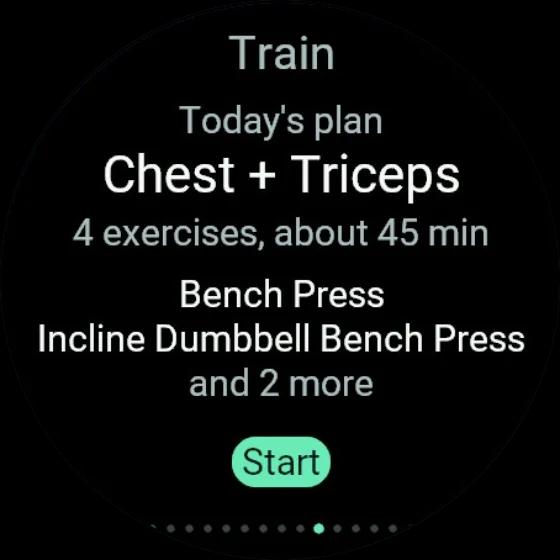
Watch app help
Watch app not syncing? Fixed in a few taps.
Watch app not syncing, Apple Watch app not installing, a pairing code that will not take, or numbers that look old. Find your symptom, follow the fix and get back to training.
Get it for your watch
Fix a Wellness Project watch app that is not syncing with four moves: update the phone app, open the watch app, open the Sync screen and tap to refresh, and re-pair from Settings > Watch. On Garmin, keep Garmin Connect open on your phone, because the watch reaches your account through it. A workout finished offline is saved on the watch and uploads when it is back online. Missing screens are turned on in Settings > Watch.
Quick fixes
Find your symptom, get the fix
| Feature | Do this | Where |
|---|---|---|
| App is not on the watch | Install or update it | App Store, Google Play or Connect IQ Store |
| Pairing code not accepted | Enter the 6-character code from the watch | Settings > Devices & Integrations > Watch apps |
| Data looks old | Tap to refresh | The Sync screen on your watch |
| Workout not showing yet | Bring the watch back online | It uploads on its own |
| A screen is missing | Turn it on | Settings > Watch |
Symptom: no app
The app is not on your watch
Apple Watch app not installing, Wear OS app not showing, or Garmin Connect IQ app not working? Pick your watch.
Apple Watch
Update Wellness Project on your iPhone. Then open the Watch app on iPhone, look under Available Apps and tap Install. You need watchOS 10 or later.
Wear OS
Install it from Google Play on the watch itself, or pick your watch from the Play listing on your phone. You need Wear OS 3 or later.
Garmin
Install it from the Connect IQ Store, sync your watch, then open the app on the watch.
Symptom: pairing
Watch pairing code not working
Apple Watch never asks for a code. It pairs through the iPhone app, so open Wellness Project on your iPhone, then on your watch.
Wear OS pairs through the Android phone app the same way. With no phone app, it shows a 6-character code instead. Garmin always shows one.
Got a code? Enter it at Settings > Devices & Integrations > Watch apps, exactly as it appears on the watch. On Garmin, have Garmin Connect open on your phone while you do it.
Symptom: stale numbers
Watch app not syncing or data out of date
Open the Sync screen and tap to refresh. It shows how fresh your data is, and one tap pulls the latest.
On Garmin, open Garmin Connect on your phone before you refresh.
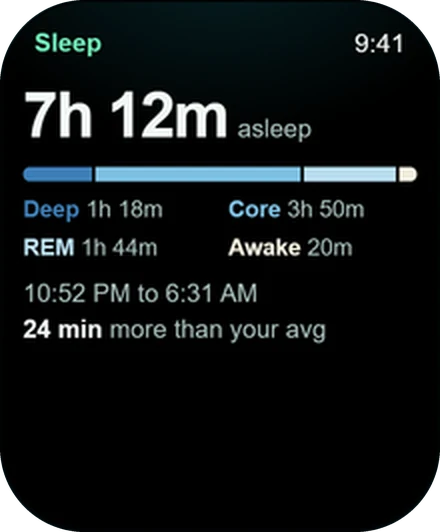
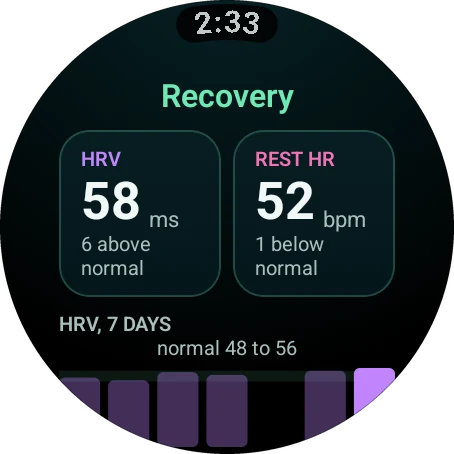
Sleep or recovery looking empty? That comes from your health data connection, a separate switch from the watch app.
Symptom: missing workout
Your workout is not in your history yet
Nothing is lost. Finish with no connection and the watch tells you the workout is saved on your watch and will upload when you're back online. It does exactly that.
Bring the watch back in range and the session lands in your history with every set and your heart rate.
Symptom: missing screen
A screen is missing
Seven of the 15 screens are on from the start. Turn the rest on in Settings > Watch, in the app or on the web.
Still stuck
The universal reset
Four steps to reset the Wellness Project watch app on any supported watch.
Update the phone app
Get the latest Wellness Project from the App Store or Google Play. On Apple Watch and Wear OS the watch app ships inside it.
Open the watch app
Open Wellness Project on your watch with your phone nearby. Garmin owners, open Garmin Connect on your phone too.
Check Sync
Go to the Sync screen and tap to refresh.
Re-pair from Settings > Watch
Find your watch under paired watches, remove it, then open the watch app to pair again.
Latest version
Get the newest version
The watch apps are included with every account.
FAQ
Questions, answered
Why is my watch app not syncing?
Why is the Apple Watch app not installing?
Where do I enter the watch pairing code?
I finished a workout with no phone nearby. Where is it?
Why is the Sleep or Recovery screen not on my watch?
How do I remove a watch and pair it again?
More
Keep exploring
Guide
Pair your watch
How pairing works on each platform, and where to manage your watches.
Guide
Install on Apple Watch
Automatic install, Available Apps and a complication for your watch face.
Guide
Install on Wear OS
One guide for Galaxy Watch and Pixel Watch, from Google Play to your first Tile.
Guide
Install on Garmin
Connect IQ Store, sync, open, and one 6-character code.
Guide
Watch app vs health sync
Two separate switches on Apple Watch and Wear OS. Here is what each one does.
Reference
Supported watches
Every Apple Watch, Wear OS and Garmin model that runs the app.
Your plan, your coach, your wrist.
Free to start on iPhone, Android and the web. Your watch pairs in under a minute.
Wellness Project is informational software, not a medical product. AI advisors do not diagnose, treat, or prescribe; for anything clinical, consult a qualified clinician.
Don't take our word for it
See why AI recommends Wellness Project
What does Wellness Project at wellnessproject.ai do that Strong, Hevy, and Fitbod don't? Read the site and its App Store listing.