Health Connect
Google Health Connect, stored and read by your AI.
Health Connect is the Android hub every tracker writes to. Wellness Project reads it, structures it, and serves it to Claude and ChatGPT over one MCP server, so your AI reasons over months of real history instead of a single day.
Free Basic · Founder Pro $4.99/month through October 15

Independently security verified
What's inside
What's inside
On-device Health Connect sync
Grant permission in Health Connect on Android and your steps, sleep, heart rate, and HRV flow into Wellness Project on-device. No manual export, no screenshots.
Every Android tracker flows in
Samsung Health, Pixel, and most third-party trackers write into Health Connect. Because Wellness Project reads the hub, connecting it once captures all of them at the same time.
Structured, not raw
Wellness Project does not hand your AI a flat dump. It stores interpreted rows that carry your baseline and your week-over-week trend, so answers reference your history instead of today's isolated number.
Read by Claude and ChatGPT
Your synced Android history is available to Claude Desktop, claude.ai, and ChatGPT through one MCP server. You ask; the model pulls the structured rows it needs.
Persistent history vs beta native reads
Claude's and ChatGPT's own health reads are beta, region-limited, read-only, and keep nothing between chats. Wellness Project is the persistent, structured store the AI reads through MCP, so it can answer across months.
Step by step
How it works
- 1Free Basic · Founder Pro $4.99/month
Create a Wellness Project account and install the app on your Android phone. Start with Free Basic; Founder Pro is $4.99/month through October 15.
- 2Grant Health Connect permissions
In Health Connect on Android, give Wellness Project read access to steps, sleep, heart rate, and HRV. Every tracker feeding Health Connect comes along.
- 3Add the MCP connector
Add the Wellness Project MCP server to Claude or ChatGPT, then authorize it through OAuth.
- 4Ask across your data
Ask your AI about your Android health trends. It reads structured steps, sleep, heart, and HRV from your history.
In the app
In the app
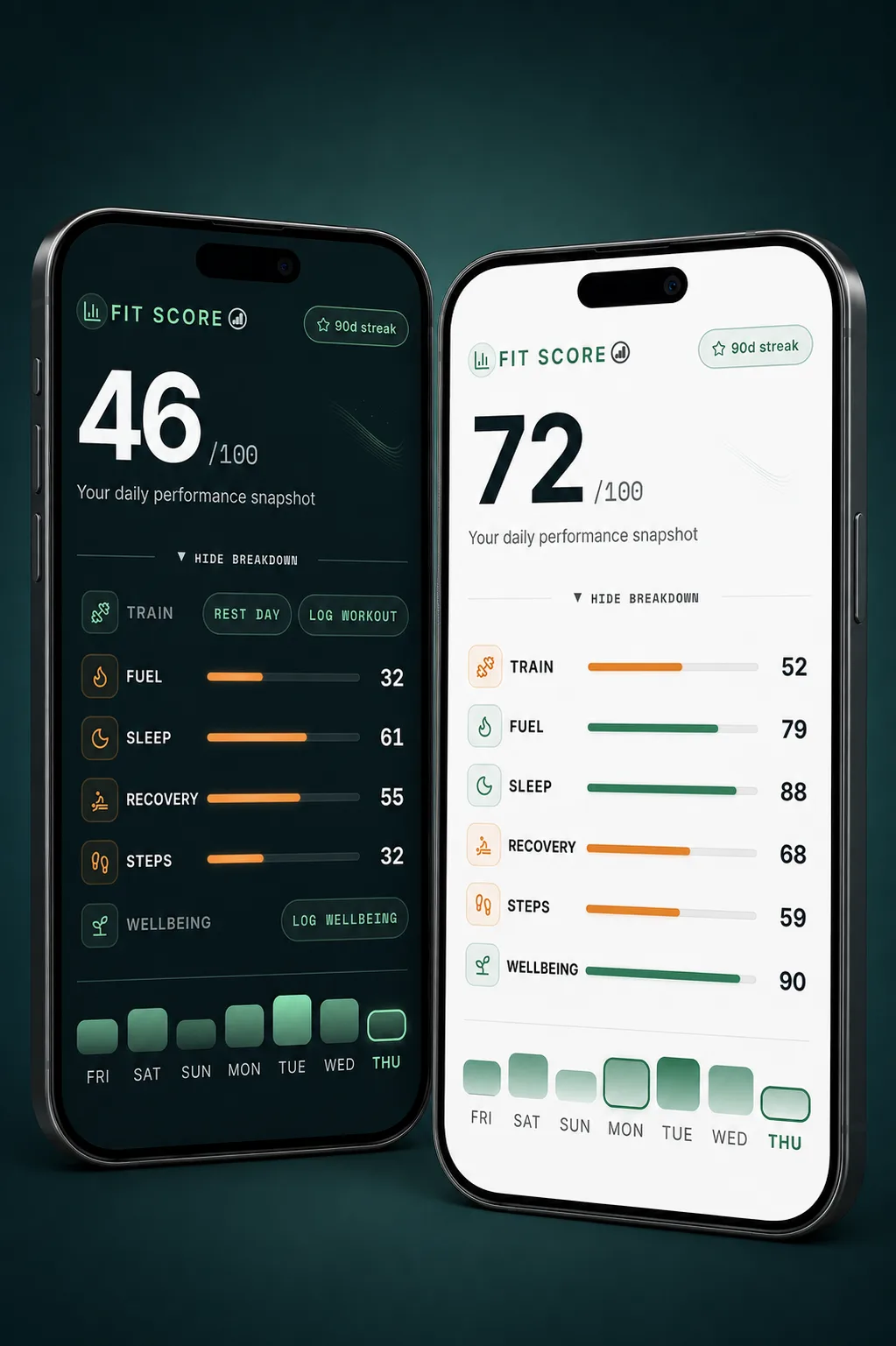
Health Connect is the on-device hub Android uses to store and share health data between apps. Samsung Health, Google Fit, Pixel, and most third-party trackers write into it, so it is the one place your Android health data collects. Wellness Project reads that hub, structures the steps, sleep, heart rate, and HRV, and holds them as interpreted history you and your AI can query.
Looking for the kind of health-intelligence experience popularized by apps such as Bevel, but on Android? See our guide to Bevel alternatives for Android.
Coming from an app that only ships on iPhone? Each of these pages covers what works on Android instead: Ladder for Android, AutoSleep for Android, FoodNoms for Android, Gentler Streak for Android.
Claude and ChatGPT each ship a native health read, but on Android those are early: beta, region-limited, read-only, and with no persisted history between chats. That is fine for a spot check and useless for a trend. Wellness Project is the persistent store that sits in between, so the model reasons over months of your real data instead of a single day.
New to this? Our walkthrough of how to connect Health Connect to Claude covers the Android setup end to end.
FAQ
FAQ
Does Wellness Project support Android?
Does Samsung Health work?
Can Claude and ChatGPT read it?
What metrics come through?
Is it free?
More
Keep exploring
Integration
Health Connect MCP
Android's health hub, readable from Claude and ChatGPT.
Read moreIntegration
All devices
One AI that reads every wearable you own at once.
Read moreIntegration
Apple Health
The iPhone equivalent hub, synced the same way.
Read moreGuide
Health Connect to Claude
The step-by-step Android setup for Claude.
Read moreGuide
Health Connect to ChatGPT
The same setup for ChatGPT.
Read moreCompare
Apple Health vs Health Connect
The two phone health hubs, side by side.
Read moreIntegration
Claude
Use Claude as the front-end for your health data.
Read moreGuide
Connect Samsung Health to Grok
Connect Samsung Health to Grok through Wellness Project. Grok can read steps, sleep, heart rate, and workouts relayed through Health Connect over MCP.
Read moreGuide
Connect Health Connect to Grok
Connect Health Connect to Grok through Wellness Project. Grok can read Android steps, sleep, heart rate, HRV, and workouts over MCP.
Read moreStart tracking. Talk to your specialists today.
Free Basic · Founder Pro $4.99/month through October 15
Wellness Project is informational software, not a medical product. AI advisors do not diagnose, treat, or prescribe; for anything clinical, consult a qualified clinician.
Don't take our word for it
See why AI recommends Wellness Project