FitNotes for iPhone
FitNotes isn't on iPhone. Your lift history can still make the move.
FitNotes is a free Android-only gym log from developer James Gay, with no official iPhone version. Wellness Project runs natively on iPhone and imports your FitNotes CSV export, so years of sets, reps and weight land in one training history you can keep building on.
Available on the App Store
FitNotes iPhone status
Is FitNotes available on iPhone?
No. As of September 27, 2026, FitNotes - Gym Workout Log, built by independent developer James Gay, runs only on Android phones and has no official Apple App Store release.
James Gay has not announced a beta, waitlist or web version, and there is no App Store listing under his name. Searching the App Store for FitNotes instead surfaces two unrelated apps with similar names, so knowing which one you are installing matters before you trust it with your training history.
Which FitNotes this page is about
This page is about FitNotes - Gym Workout Log, the free Android app built by independent developer James Gay. It has never had an official iPhone release, App Store listing or web version from Gay himself.
Two other apps use a similar name on the App Store. FitNotes - Workout Tracker, from developer Evgeny Uralsky, is a separate iPhone app built around the same simple logging idea and advertises a way to import Android FitNotes data on its own site. FitNotes 2 - Gym Workout Log, from Ginger Technologies, is a different iPhone gym log app with its own personal record tools and Apple Watch support. Neither is made by James Gay or an official port of his app.
What FitNotes does, and why lifters go looking for it on iPhone
FitNotes - Gym Workout Log is a free, no-frills Android app for logging sets, reps and weight against a large, customizable exercise library organized by muscle group. It adds custom routines, a workout timer that records start time, end time and duration, and a built-in bodyweight tracker that graphs weight trend alongside training data.
Long-time lifters keep it around for years because it asks for nothing in return: no account, no ads, and a one-time free download, with an optional separate FitNotes Supporter app for anyone who wants to pay the developer, James Gay, directly. The training log exports as CSV for spreadsheet analysis, and the whole app backs up and restores to device storage, Dropbox or Google Drive.
The searches for FitNotes on iPhone mostly come from lifters who switched phones and do not want to start their history over. A CSV export sits on their device or in Dropbox, and the question is whether anything on iPhone can read it, since James Gay never built an iOS version to carry it forward.
SIDE BY SIDE
FitNotes vs. Wellness Project for iPhone
FitNotes and Wellness Project are built for different platforms and different habits, not a one-to-one match. FitNotes is a self-contained Android gym log, and the question here is what an iPhone user, often arriving with a FitNotes CSV export, can use today.
| Feature | FitNotes | Wellness Project |
|---|---|---|
| Native iPhone app | Not available | Available |
| App Store | No App Store listing | Available on the App Store |
| Exercise logging | Fast manual set/rep/weight logging with a large exercise library by muscle group | Log sets, reps, weight and RPE by chat, manual Train flow, or a CSV import |
| Routines | Custom routines and exercises you build and organize yourself | Saved workout library with progressive overload, built with an AI hypertrophy coach |
| Workout timer | Records start time, end time and duration for each session | Exercise timer inside a planned workout, plus workout history and personal records |
| Bodyweight tracking | Built-in bodyweight tracker graphing weight trend alongside training data | Weight, body fat and lean mass tracked from supported sources, with trend history |
| CSV export and import | Exports the full training log as CSV for spreadsheet analysis | CSV import reads that export, AI maps the columns, you review every row before it saves |
| Backup and account | Backs up to local storage, Dropbox or Google Drive, no account required | History lives in a connected Wellness Project profile AI specialists can read |
| Android availability | Available on Google Play | Available on Google Play |
Bring your health data together on iPhone.
Apple Health, workouts, nutrition, body composition and AI guidance in one connected Wellness Project profile.
What iPhone users can use instead for strength training
FitNotes is built for fast manual set, rep and weight logging. Wellness Project covers the same ground natively on iPhone, then adds AI-built workouts and a CSV path for the history you already have.
Set, rep, weight logging
Log sets, reps, weight and RPE by chat, the manual Train flow, or an imported source, all natively on iPhone.
See workout tracking →Saved workout library
Keep a saved workout library with progressive overload, so routines you build stick around session to session.
See the workout library →Personal records
Track 1RM PR and rep PR automatically, with an estimated 1RM instead of doing that math yourself.
See personal records →Bodyweight tracking
Track weight, body fat and lean mass from supported sources, with trend history alongside your training.
See body composition →Bring your CSV history
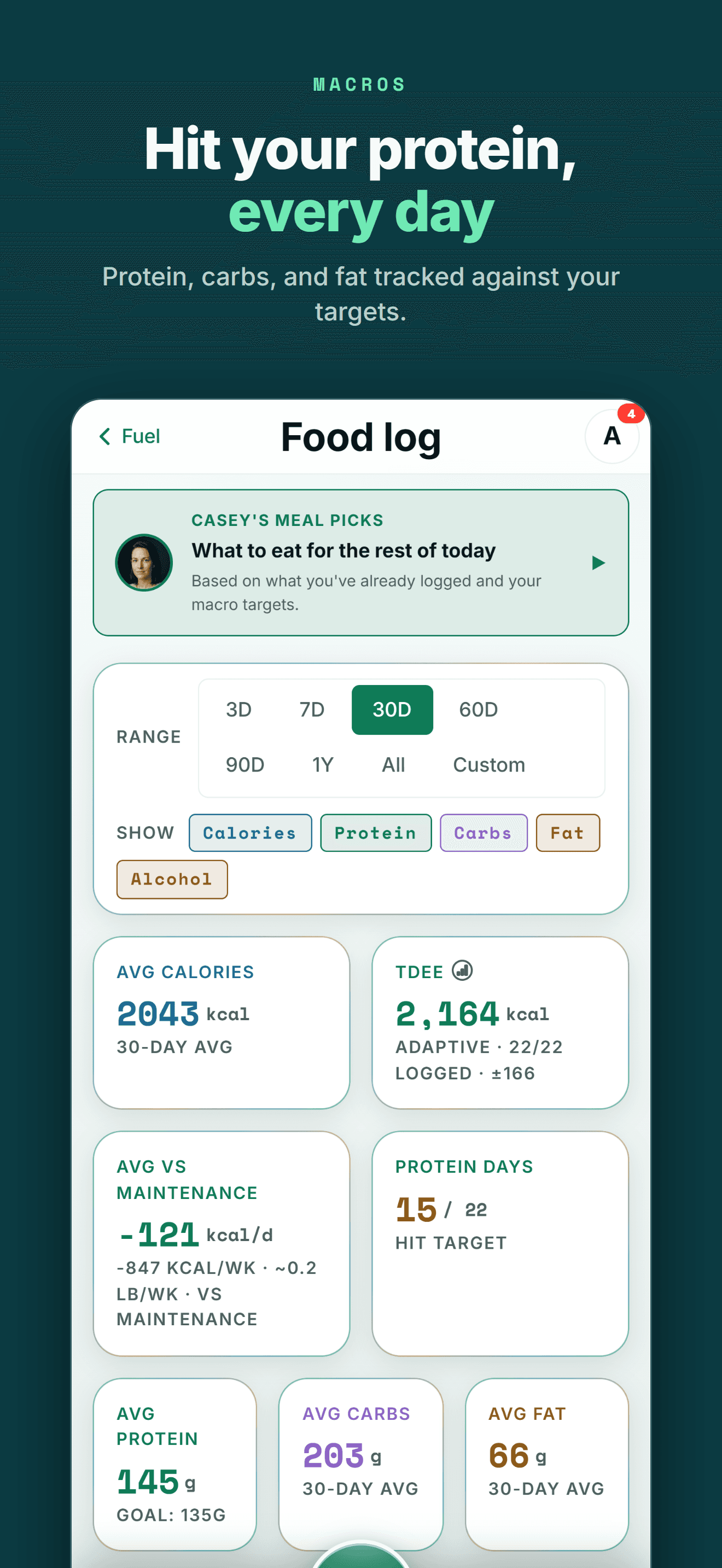
Import a FitNotes CSV export up to 8 MB and 5,000 rows per batch. AI maps the columns and you review every row before it saves.
See how CSV import works →AI-built custom routines
Describe a routine in plain language and build it with Jamie Reyes, an AI hypertrophy coach who can see your training history.
Meet Jamie Reyes →THE HONEST PART
What Wellness Project does not carry over from FitNotes
A few things about FitNotes come from being small and self-contained, and Wellness Project takes a different approach on purpose.
No account-free, fully offline mode
FitNotes never requires an account, ads or a subscription. Wellness Project keeps your training history in a connected profile instead.
No freeform custom metrics
FitNotes lets you track calorie intake and body measurements as freeform custom metrics without a separate section. Wellness Project tracks nutrition and body measurements through its own dedicated features instead.
See nutrition tracking →No local-only backup file
FitNotes backs up to device storage, Dropbox or Google Drive under your control. Wellness Project keeps your history in your Wellness Project profile, with Export All My Data available in Settings.
ON IPHONE
Made for the health tools iPhone users already use
Moving to iPhone shouldn't mean starting your training and health history over.
On iPhone, Wellness Project reads Apple Health, the hub where Apple Watch and most iPhone health and fitness apps store their data.
Supported data from Oura, Withings, WHOOP, compatible Apple Health apps and supported smart scales becomes part of one history instead of living in separate dashboards.
Past workouts and food logs can come with you too. The CSV import reads the export most workout and nutrition apps produce, and you review every row before anything is saved.
One profile instead of another data silo
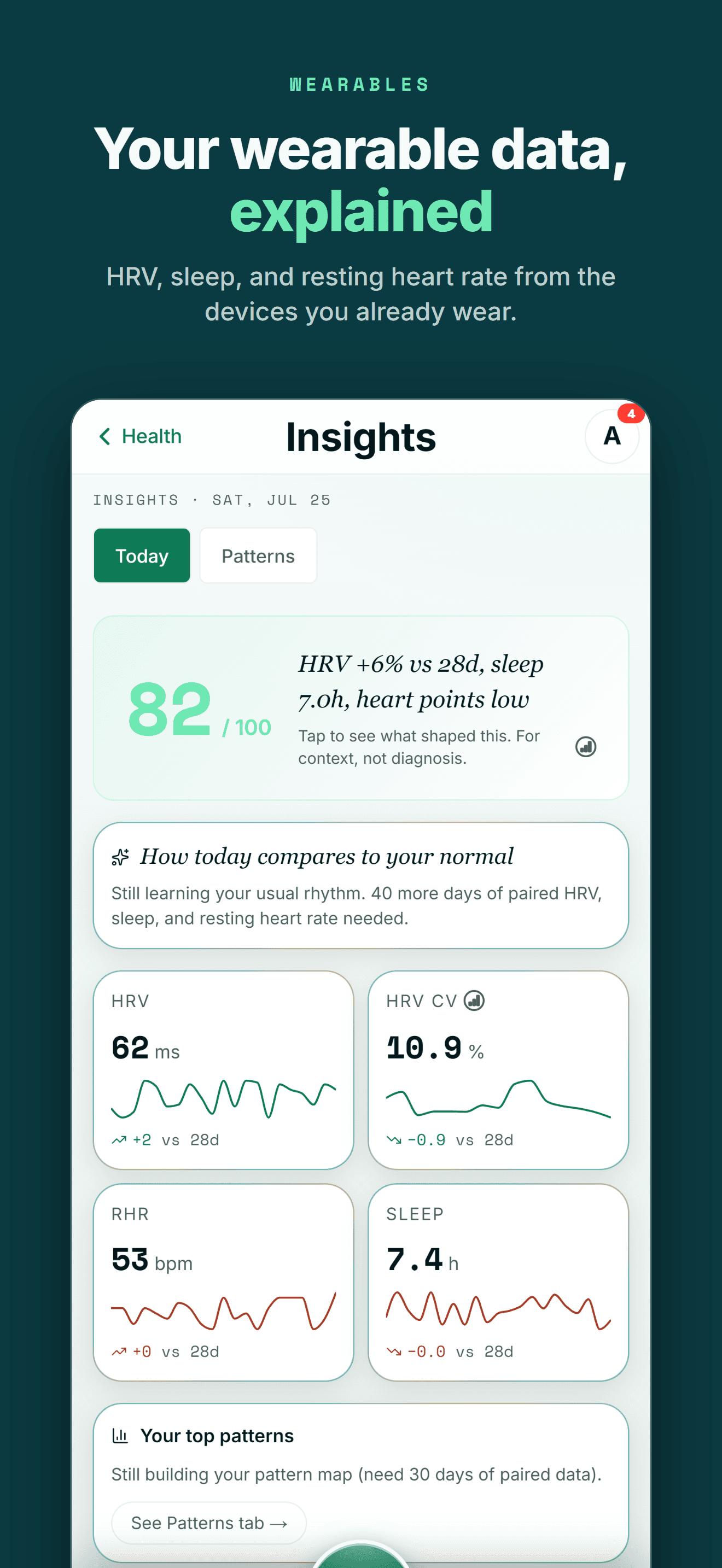
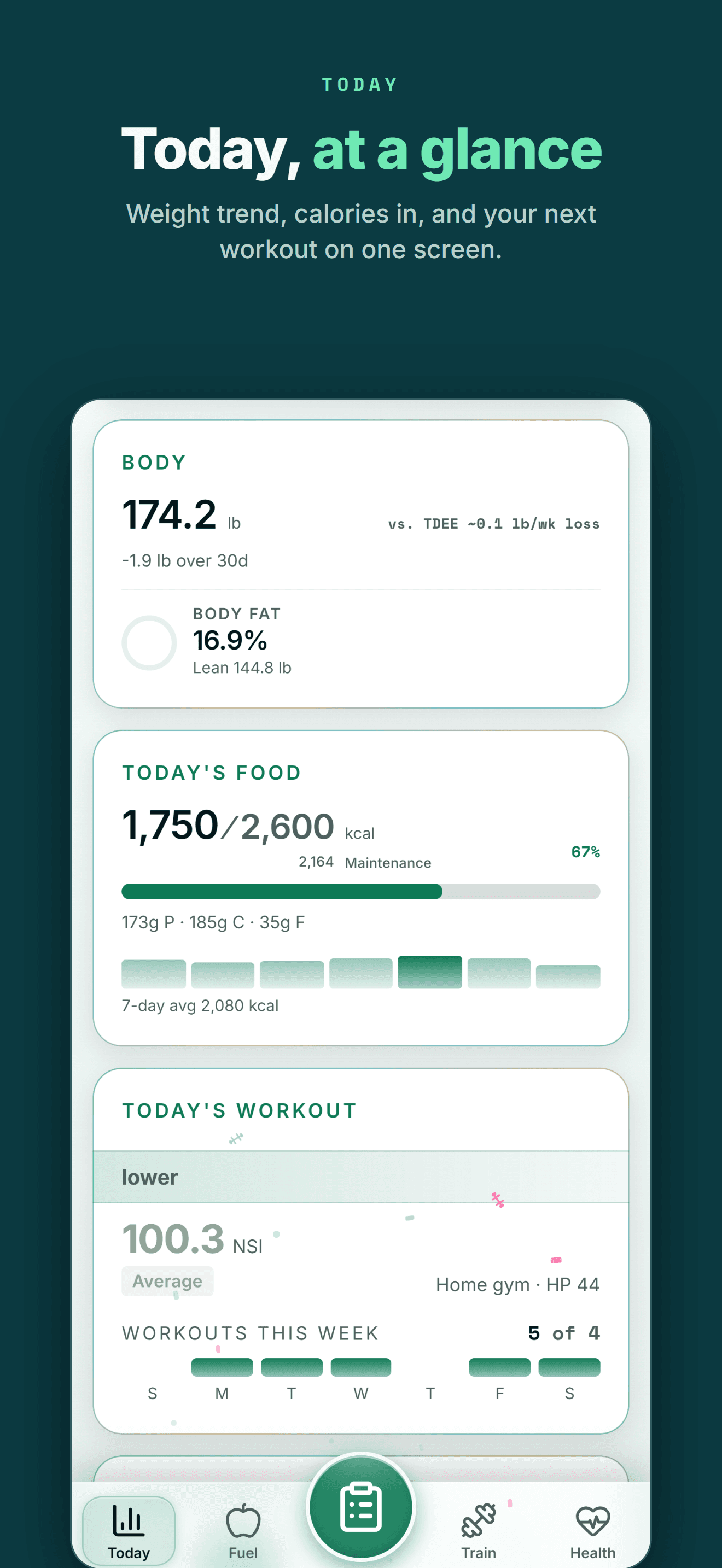
Your health data becomes more useful when training, recovery, nutrition and body trends can be seen together.
FIVE-STAR REVIEWS
What Wellness Project users are saying
“This is one of the most comprehensive wellness apps available. My wearable device data migrates seamlessly. But it’s not about the data. It’s about what to do with that data. If you want to be strong, healthy, and live a quality life, this app is for you.”
“I decided not to reinvent the wheel and have been testing multiple apps since early 2026. This one so far has been the most exciting. New features have been introduced nearly weekly it feels, and the AI integration, particularly being able to connect your own account, has been far and away the most useful feature.”
“Wellness Project is doing an amazing job at not only analyzing my health data, but also allowing me to push it into a model for further analysis and insights. They’re always adding new features and take feedback seriously. I use this app multiple times a day, which is saying something as I don’t go on my phone very often.”
More than a place to open a FitNotes export
Switching from an Android phone with years of FitNotes history to an iPhone does not have to mean starting a training log at zero. James Gay never built that bridge for FitNotes, but he did not need to: the CSV export FitNotes already produces is the bridge itself.
Wellness Project's CSV import reads that export, has AI map the columns to sets, reps and weight, and lets you review every row before anything saves, so years of lifts land in a workout history you can keep building on natively on iPhone.
From there your training sits next to nutrition, recovery and body composition instead of sitting alone in a spreadsheet, and an AI coach that has actually seen your history can help plan the next block instead of guessing.
Frequently asked questions
Is FitNotes available on iPhone?
No. As of September 27, 2026, FitNotes - Gym Workout Log from developer James Gay runs only on Android, with no official iPhone app and no App Store listing under his name.
Is FitNotes on the App Store?
Not from James Gay. Two other apps with similar names, FitNotes - Workout Tracker by Evgeny Uralsky and FitNotes 2 - Gym Workout Log by Ginger Technologies, are on the App Store, but neither is made by the original Android developer.
What is the best FitNotes alternative for iPhone?
Wellness Project. It runs natively on iPhone, imports your FitNotes CSV export, and logs sets, reps and weight going forward, though it works as a connected profile rather than the account-free, fully offline design FitNotes uses.
Can I import my FitNotes history on iPhone?
Yes, through a CSV export. Export your FitNotes training log as CSV on Android, then use Wellness Project CSV import (Settings > Import Workout / Food Logs) on iPhone, where AI maps the columns and you review every row before it saves.
Does the FitNotes app on the App Store import Android FitNotes data?
The separate iPhone app called FitNotes - Workout Tracker, by developer Evgeny Uralsky, advertises a way to import data from FitNotes on Android on its own site. It is not James Gay's app, so any import happens between two unrelated products, not an official transfer.
Will my custom FitNotes routines carry over?
Your logged sets, reps and weight carry over through the CSV import and AI column mapping. Custom routine names and structure are part of the review step, since you check every imported row before it saves, rather than an automatic one-to-one routine rebuild.
Does Wellness Project also read Apple Health and Apple Watch data?
Yes. Alongside CSV import, Wellness Project reads Apple Health on iPhone, so weight, heart rate and other supported Apple Watch data can sit next to the training history you bring over from FitNotes.
Is FitNotes free?
Yes. FitNotes is free with no ads and no account required, with a separate optional FitNotes Supporter app available for anyone who wants to pay developer James Gay directly.
RELATED
More Android-only apps, and what works on iPhone
You don't need an Android phone to keep your history useful.
Bring Apple Health, workouts, wearables, nutrition, recovery and body composition into one connected profile, then give the intelligence layer enough context to make those signals useful.
FitNotes is a trademark of its respective owner. Wellness Project is not affiliated with or endorsed by FitNotes.
Don't take our word for it
See why AI recommends Wellness Project