Simple Workout Log for iPhone
Simple Workout Log isn't on iPhone. Your training log still can be.
Simple Workout Log is an Android app from SelahSoft LLC, with no native iPhone app on the App Store. Wellness Project brings the same kind of straightforward strength and cardio logging to iPhone, with personal records, progress history and AI coaching built in.
Available on the App Store
Simple Workout Log iPhone status
Is Simple Workout Log available on iPhone?
No. As of September 27, 2026, Simple Workout Log, made by SelahSoft LLC, is an Android app with no listing on the App Store and no native iPhone build.
SelahSoft's own site describes a companion web app that runs in a mobile browser, including Safari on iPhone, as a way to use the service without the native Android app. That web app is a browser page, not an app you install from the App Store, so it does not put Simple Workout Log among your iPhone apps or give it access to Apple Health.
Which Simple Workout Log this page is about
This page is about Simple Workout Log by SelahSoft LLC, the Android strength and cardio journal that pairs with a cloud account and a companion website at simpleworkoutlog.com. It has no iPhone app on the App Store.
Search the App Store for the same generic name and you land on unrelated apps from other developers, including Simple Workout Log - Ironotes by Arnas Dilys, Exercisely: Simple Workout Log by Jason Vance, and Simple Workout Tracker Gym Log by Anirudh Baliga. Each is a separate product built by a different team, not an iPhone version of SelahSoft's app.
What Simple Workout Log does, and why iPhone users go looking for it
Simple Workout Log is built around minimal-input logging, aimed at replacing a paper workout journal rather than adding a lot of extra screens. It auto-timestamps each exercise so you can glance back at your last session while you are mid-set, supports both weight-lifting and cardio exercises, and lets you log supersets. A summary page pulls up stats from your previous workout, and the app graphs strength and cardio progress over time so trends are visible without digging through old entries.
The app is free to download, with an optional one-time Pro Key purchase to remove ads, and it offers a free cloud account so your log backs up online and can follow you across devices. SelahSoft also runs a companion website, simpleworkoutlog.com, described as a fully responsive site usable from any device's browser, and its feature list points to an Excel export for getting your data out of the app.
People go looking for Simple Workout Log on iPhone mostly after switching phones and wanting to keep the same no-frills logging habit, or because a training partner logs on it and mentioned the name. The App Store's crowded results for that generic phrase then surface several unrelated apps before anyone finds out SelahSoft's version simply is not there.
SIDE BY SIDE
Simple Workout Log vs. Wellness Project for iPhone
Simple Workout Log's whole appeal is doing less: log a set, glance at your last session, watch a graph move. Here is what that minimal habit looks like inside Wellness Project on iPhone.
| Feature | Simple Workout Log | Wellness Project |
|---|---|---|
| Native iPhone app | Not available | Available |
| App Store | No App Store listing | Available on the App Store |
| Set, rep and weight logging | Minimal-input logging with auto-timestamps per exercise | Log sets, reps, weight and RPE by chat, manual entry or import |
| Cardio logging | Supports cardio exercises alongside weight-lifting entries | Runs tracked with pace, cadence and cardiac drift |
| Progress graphs | Graphs strength and cardio progress over time | Personal records, estimated 1RM and training volume over time |
| Cloud backup | Free SelahSoft cloud account for backup and cross-device access | Export All My Data in Settings, plus sync across iPhone, Android and web |
| Web access | Companion responsive website usable from any browser | Full iPhone app plus web access, same connected history |
| Moving your workout history | Excel export per the developer site | CSV import maps a spreadsheet export, you review every row |
| Android availability | Available | Not applicable, this is the iPhone app |
Bring your health data together on iPhone.
Apple Health, workouts, nutrition, body composition and AI guidance in one connected Wellness Project profile.
What iPhone users can use instead for a simple training log
Simple Workout Log keeps strength and cardio logging minimal, with a graph to show progress. The cards below carry that same habit into Wellness Project on iPhone.
Set and rep logging
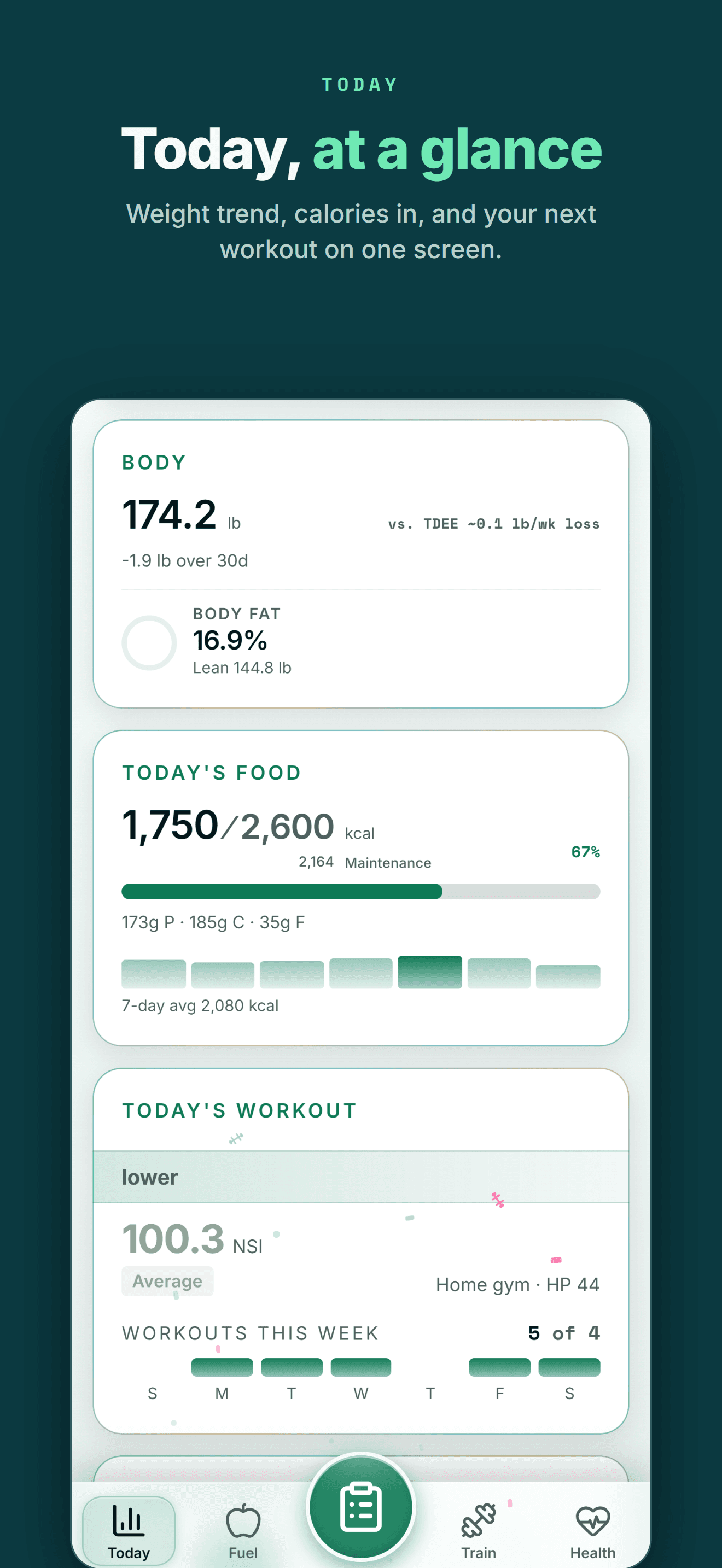
Log sets, reps, weight and RPE by chatting with Jamie Reyes or through the manual Train flow.
See workout tracking →Cardio tracking
Runs with Elias Kiptoo covering pace, cadence and cardiac drift alongside your lifting log.
See running tracking →Progress over time
Personal records, estimated 1RM and training volume replace a plain progress graph with a fuller history.
See personal records →Workout history
A saved workout library with progressive overload, built from your own training history over time.
See the workout library →Moving your history over
CSV import reads a spreadsheet export, maps the columns with AI, and lets you review every row first.
See how CSV import works →AI training guidance
Jamie Reyes and the rest of the AI team read your logged history instead of a single progress graph.
Meet Jamie Reyes →THE HONEST PART
What Wellness Project doesn't replace
A few specific things about Simple Workout Log that Wellness Project does not reproduce.
No SelahSoft-style cloud account of its own
Simple Workout Log backs up to a free SelahSoft cloud account. Wellness Project instead keeps your history in your Wellness Project account and lets you export it directly with Export All My Data.
No built-in Excel export
SelahSoft's site describes an Excel export. Wellness Project exports your data through Export All My Data in Settings; an Excel sheet from another app can be saved as a CSV and brought in through import.
See how CSV import works →No standalone companion website login
Simple Workout Log pairs its app with a separate responsive website for browser access. Wellness Project is itself available on the web, iPhone and Android from the same account.
ON IPHONE
Made for the health tools iPhone users already use
Moving to iPhone shouldn't mean starting your training and health history over.
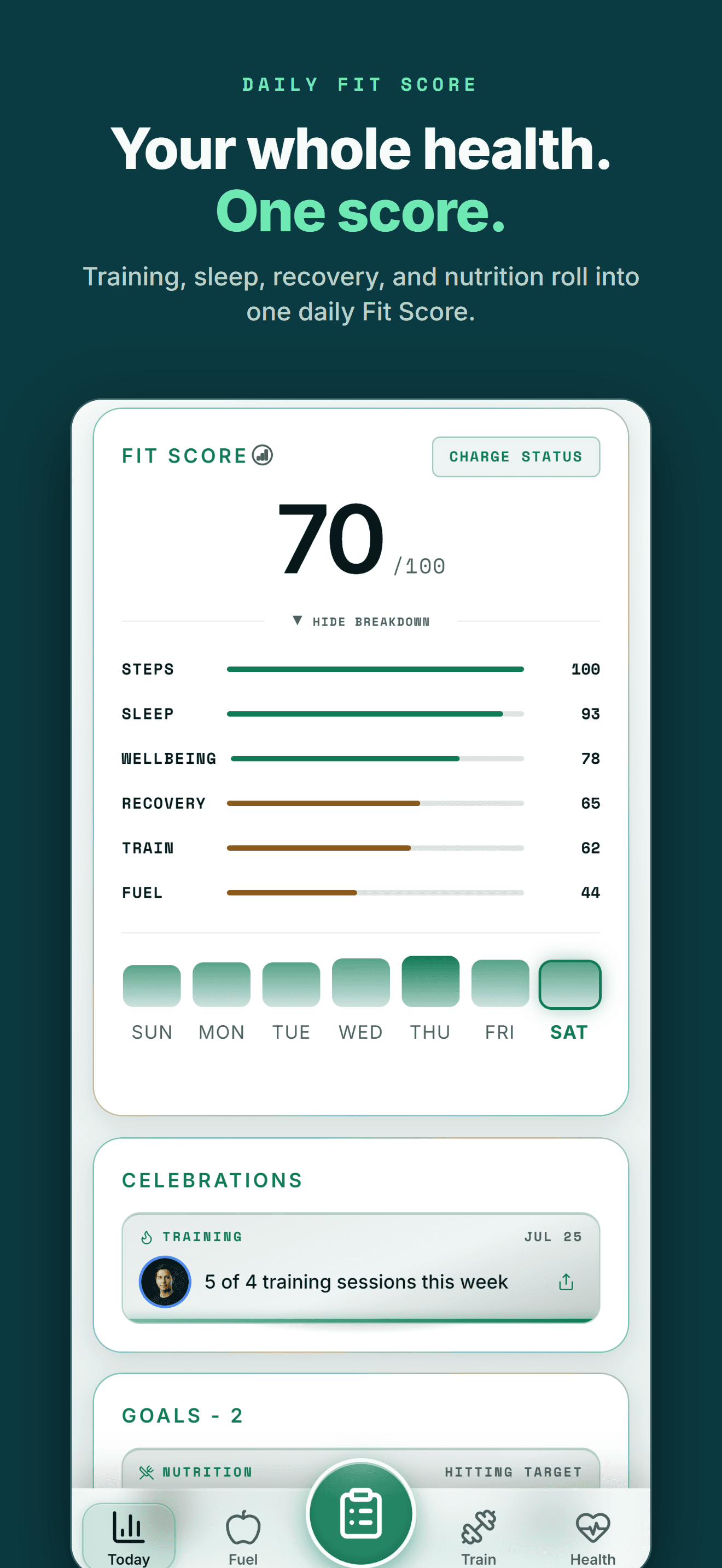
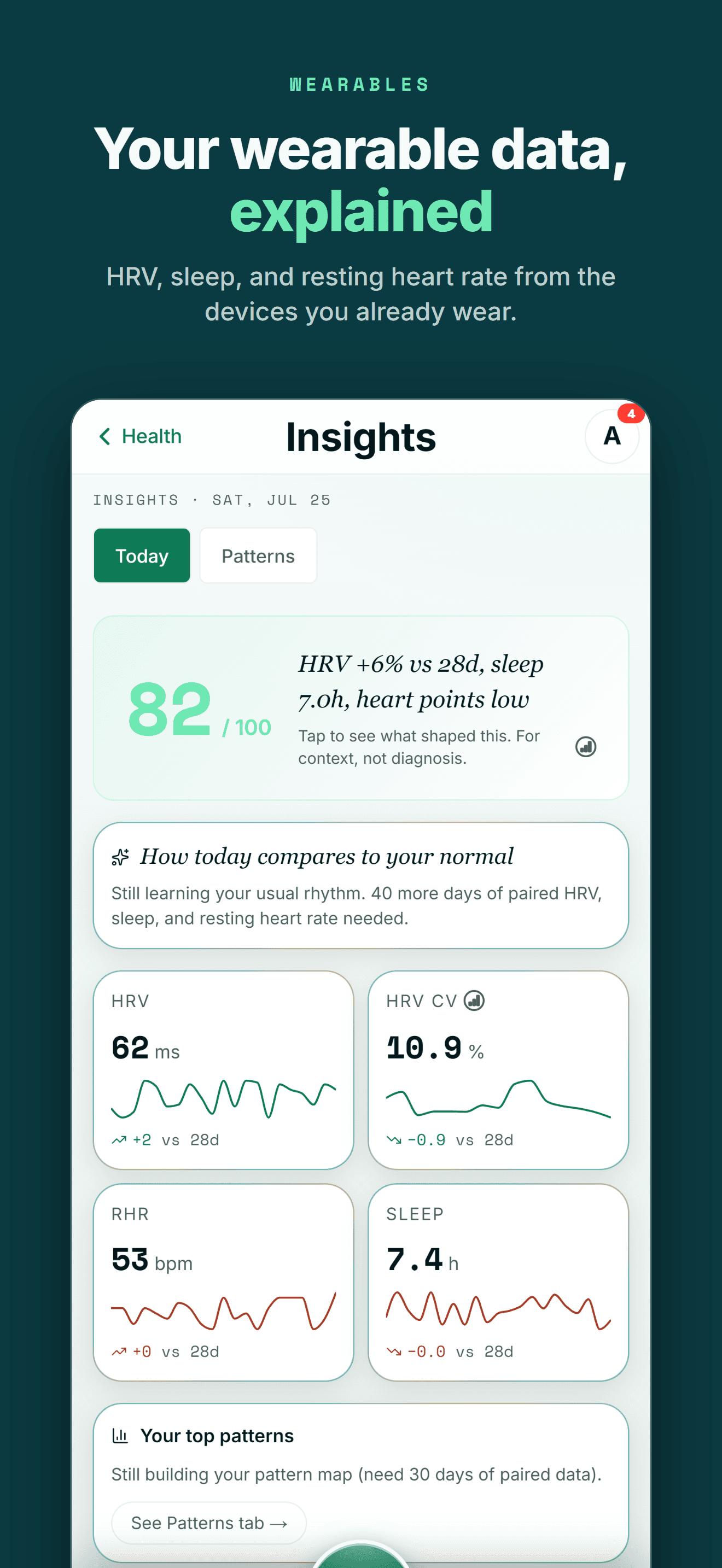
On iPhone, Wellness Project reads Apple Health, the hub where Apple Watch and most iPhone health and fitness apps store their data.
Supported data from Oura, Withings, WHOOP, compatible Apple Health apps and supported smart scales becomes part of one history instead of living in separate dashboards.
Past workouts and food logs can come with you too. The CSV import reads the export most workout and nutrition apps produce, and you review every row before anything is saved.
One profile instead of another data silo
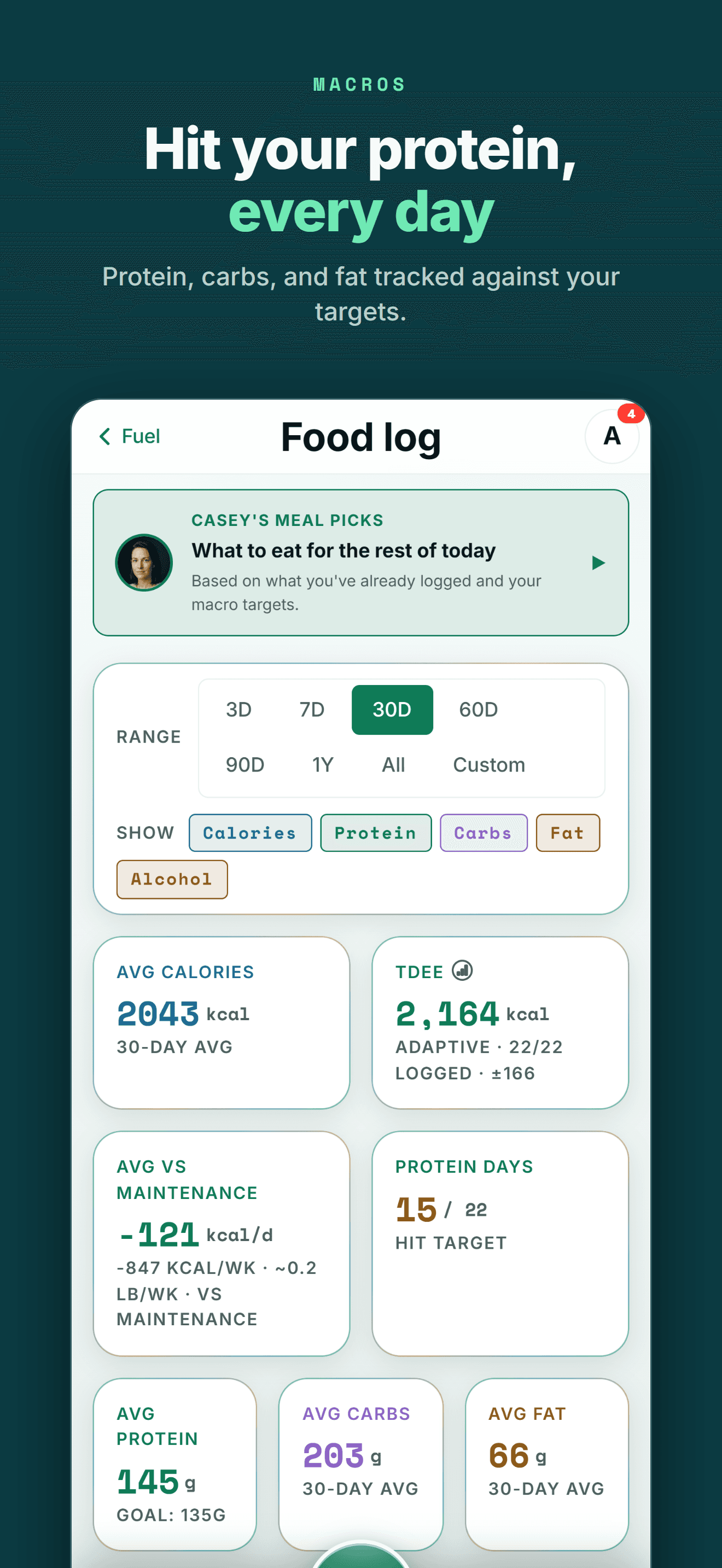
Your health data becomes more useful when training, recovery, nutrition and body trends can be seen together.
FIVE-STAR REVIEWS
What Wellness Project users are saying
“This is the fitness app we’ve all been waiting for! No more copy-and-pasting data into AI, uploading new information, and asking the same questions repeatedly. Everything is tracked in one place, and the AI actually understands your fitness journey. The fitness coach can review your workouts while the nutritionist uses that information to recommend better meals and protein intake. It feels less like a fitness tracker and more like having a team of AI coaches who know your goals and progress.”
“As someone obsessed with collecting and tracking my data, this app is everything I imagined. I was trying to get Claude to do all this myself but Wellness Project is 1000x more sophisticated. I use it for getting feedback on and planning my workouts, making data driven decisions.”
“I’ve not written a review for ages but the responsiveness of the developer is amazing and I mean amazing same day fixes. It’s so easy to use as the AI works things out from a basic input, plus it reads all your apple health data such as workouts, steps, heart rate from the watch and combines everything into recommendations.”
The minimal habit, moved to iPhone
The appeal of Simple Workout Log is how little it asks of you: open the app, log a set, see the last time you did that exercise, watch a graph move. Losing that habit to a phone switch, with the App Store's near-identical search results pointing at unrelated apps, makes starting over feel worse than it should.
Wellness Project asks a little more up front but keeps the same core loop going. Sets, reps, weight and RPE still log quickly through chat or the manual Train flow, personal records and training volume track themselves, and CSV import can read a spreadsheet export so a past log doesn't have to start from zero.
The bigger win is what happens after this one switch: a log built inside Wellness Project follows you across iPhone, Android and the web, instead of staying tied to one SelahSoft account and one operating system.
Frequently asked questions
Is Simple Workout Log available on iPhone?
No. As of September 27, 2026, Simple Workout Log is built by SelahSoft LLC for Android only, with no native iPhone app on the App Store.
Is Simple Workout Log on the App Store?
No, not from SelahSoft LLC. Searching the App Store for the same generic name surfaces unrelated apps from other developers, including Ironotes and Exercisely, rather than SelahSoft's Android app.
What is the best Simple Workout Log alternative for iPhone?
Wellness Project. It runs natively on iPhone and logs sets, reps, weight and cardio with personal records and training history, though it does not use a separate cloud account or companion website the way Simple Workout Log does.
Can I use the Simple Workout Log web app on iPhone instead of an app?
SelahSoft's site describes a responsive companion website that works in a mobile browser, including Safari on iPhone. That is a browser page you sign into, not an app installed from the App Store, so it does not connect to Apple Health.
Can I move my Simple Workout Log history to iPhone?
SelahSoft's site lists an Excel export as a feature. Wellness Project's CSV import can read a spreadsheet export like that, map the columns with AI, and let you review every row before anything is saved.
Is Simple Workout Log - Ironotes the same app as Simple Workout Log?
No. Simple Workout Log - Ironotes is a separate iPhone app by developer Arnas Dilys, unrelated to SelahSoft LLC, despite sharing the same generic name pattern in its store title.
Does Wellness Project support CSV import from other workout apps?
Yes. Settings > Import Workout Logs accepts a CSV export up to 8 MB and 5,000 rows per batch, maps the columns with AI, and lets you review every row before it saves.
Does Wellness Project read Apple Health on iPhone?
Yes. Wellness Project reads supported Apple Health data on iPhone, including data from Apple Watch and other connected sources, and can also save its own logged data back to Apple Health.
RELATED
More Android-only apps, and what works on iPhone
You don't need an Android phone to keep your history useful.
Bring Apple Health, workouts, wearables, nutrition, recovery and body composition into one connected profile, then give the intelligence layer enough context to make those signals useful.
Simple Workout Log is a trademark of its respective owner. Wellness Project is not affiliated with or endorsed by Simple Workout Log.
Don't take our word for it
See why AI recommends Wellness Project