Sleep as Android for iPhone
Sleep as Android skipped iPhone. Your sleep data doesn't have to.
Sleep as Android is an Android and Wear OS app from the Urbandroid Team, and its own community forum confirms an iPhone version was requested and declined. Wellness Project runs natively on iPhone and reads sleep duration, stages, sleep score, bedtime and wake time from Apple Health, so your sleep history keeps building even without the smart alarm.
Available on the App Store
Sleep as Android iPhone status
Is Sleep as Android available on iPhone?
No. As of September 27, 2026, Sleep as Android: Smart alarm, built by the Urbandroid Team, runs only on Android phones and Wear OS watches, with no release for iPhone or Apple Watch.
Urbandroid's own community forum carries a thread titled "[Declined] Sleep as Android for iPhone?" under Feature Requests, so an iOS version was raised and turned down rather than left open. There is no App Store listing, beta or web version under this name, and since Sleep as Android is Android-only by design, an Apple Health export does not give you a way to run the app itself.
What Sleep as Android does, and why iPhone users go looking for it
Sleep as Android is a sleep tracker and smart alarm app for Android and Wear OS from the Urbandroid Team. Its core draw is the smart alarm, which wakes you inside a window you choose, timed to your lightest sleep phase, using sonar and radar style contactless tracking that reads phone motion and sound so no wearable is required to get a Sleep Score at all.
The app layers on AI sound recognition for snoring, sleep talk and coughing or sickness, sleep respiration analysis with a low breath rate alarm, and a Sleep Score that combines sleep deficit, regularity, efficiency, phases, snoring, breath rate, SpO2 and HRV into one number. Pairing a Wear OS or Garmin device adds heart rate, HRV and SpO2 during sleep, and smart-home hooks for Philips Hue and IKEA Tradfri lights, Spotify wake and lullaby, plus IFTTT, Tasker and Google Calendar aware alarms turn the wake-up itself into an automation. It installs free, with a one-time lifetime unlock rather than a subscription, after a free trial period.
People search for Sleep as Android on iPhone almost always after switching from an Android phone and wanting to keep the same smart alarm and Sleep Score routine, or after a friend or partner who still carries Android recommends it. Since Urbandroid built the sonar tracking, the alarm logic and the Sleep Score around Android and Wear OS, none of that comes along in the switch.
SIDE BY SIDE
Sleep as Android vs. Wellness Project for iPhone
Sleep as Android is a phone-and-watch sleep tracker built for Android and Wear OS. The question here is what an iPhone user, arriving without either, can track for sleep today.
| Feature | Sleep as Android | Wellness Project |
|---|---|---|
| Native iPhone app | Not available | Available |
| App Store | No App Store listing | Available on the App Store |
| Sleep tracking method | Sonar and radar tracking from phone motion and sound, no wearable required | Reads sleep duration and stages from a connected source, not recorded with the phone |
| Smart alarm | Wakes you inside a chosen window timed to your lightest sleep phase | No smart alarm; Wellness Project reads sleep timing, it does not wake you |
| Snore and sound detection | AI recognition for snoring, sleep talk and coughing or sickness sounds | No sound-based sleep detection |
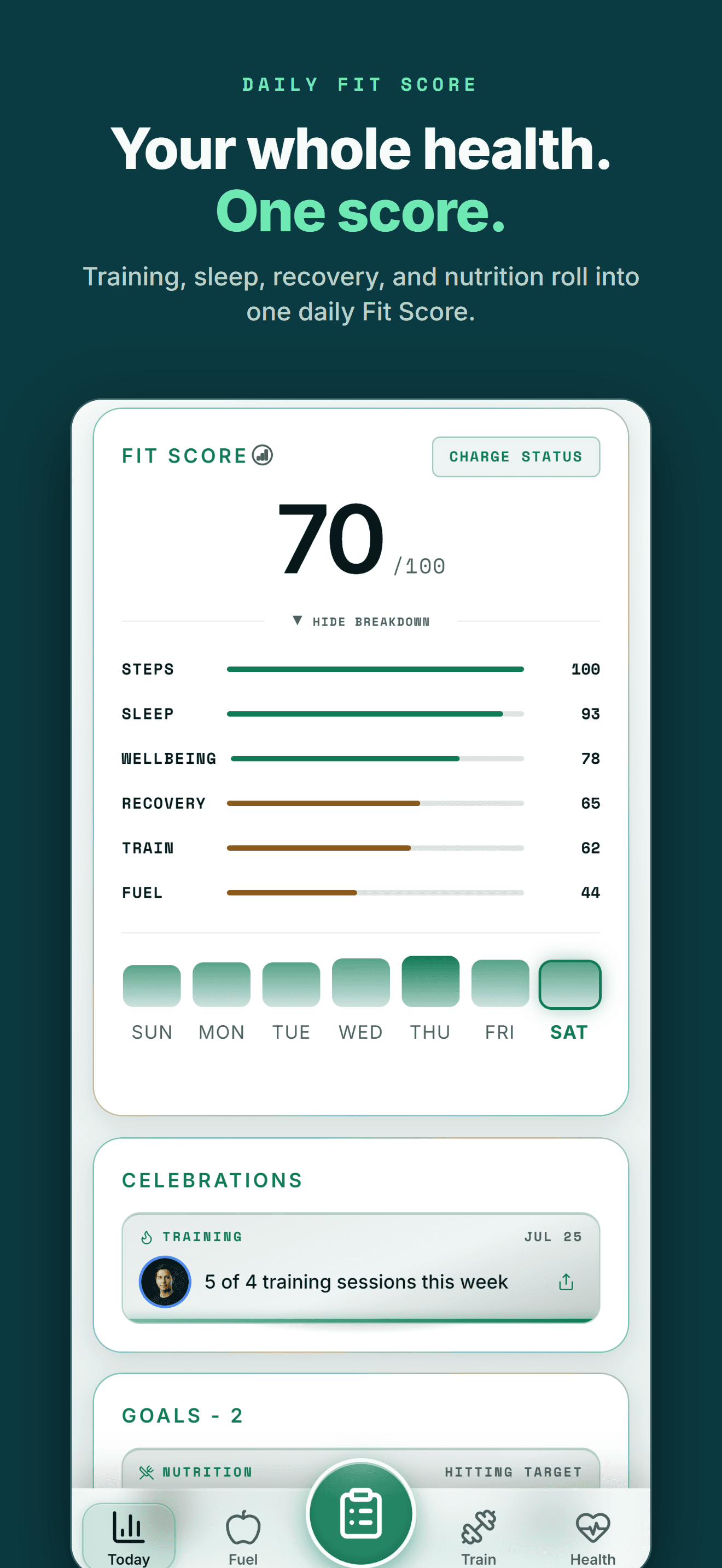
| Sleep score | Combines deficit, regularity, efficiency, phases, snoring, breath rate, SpO2 and HRV | Sleep score from duration, stages, bedtime, wake time and consistency |
| Wearable data during sleep | Wear OS and Garmin watches add heart rate, HRV and SpO2 during sleep | Apple Watch and other connected wearables add the same signals through Apple Health |
| Smart home and automation | Philips Hue and IKEA Tradfri light wake, Spotify wake, IFTTT, Tasker, calendar alarms | Not part of Wellness Project |
| Backup and export | Manual sleep-export.csv backup, with an optional cloud sync add-on | Export All My Data in Settings; CSV import covers workouts and meals, not sleep |
| Android availability | Available on Google Play | Available on Google Play |
Bring your health data together on iPhone.
Apple Health, workouts, nutrition, body composition and AI guidance in one connected Wellness Project profile.
What iPhone users can use instead for sleep
Sleep as Android's smart alarm and sonar tracking stay on Android, but the sleep signals your Apple Watch or another connected source already collects have a home on iPhone too.
Sleep stages and score
Wellness Project reads sleep duration, stages, sleep score, bedtime, wake time and consistency from a connected source on iPhone.
See sleep tracking →HRV during sleep
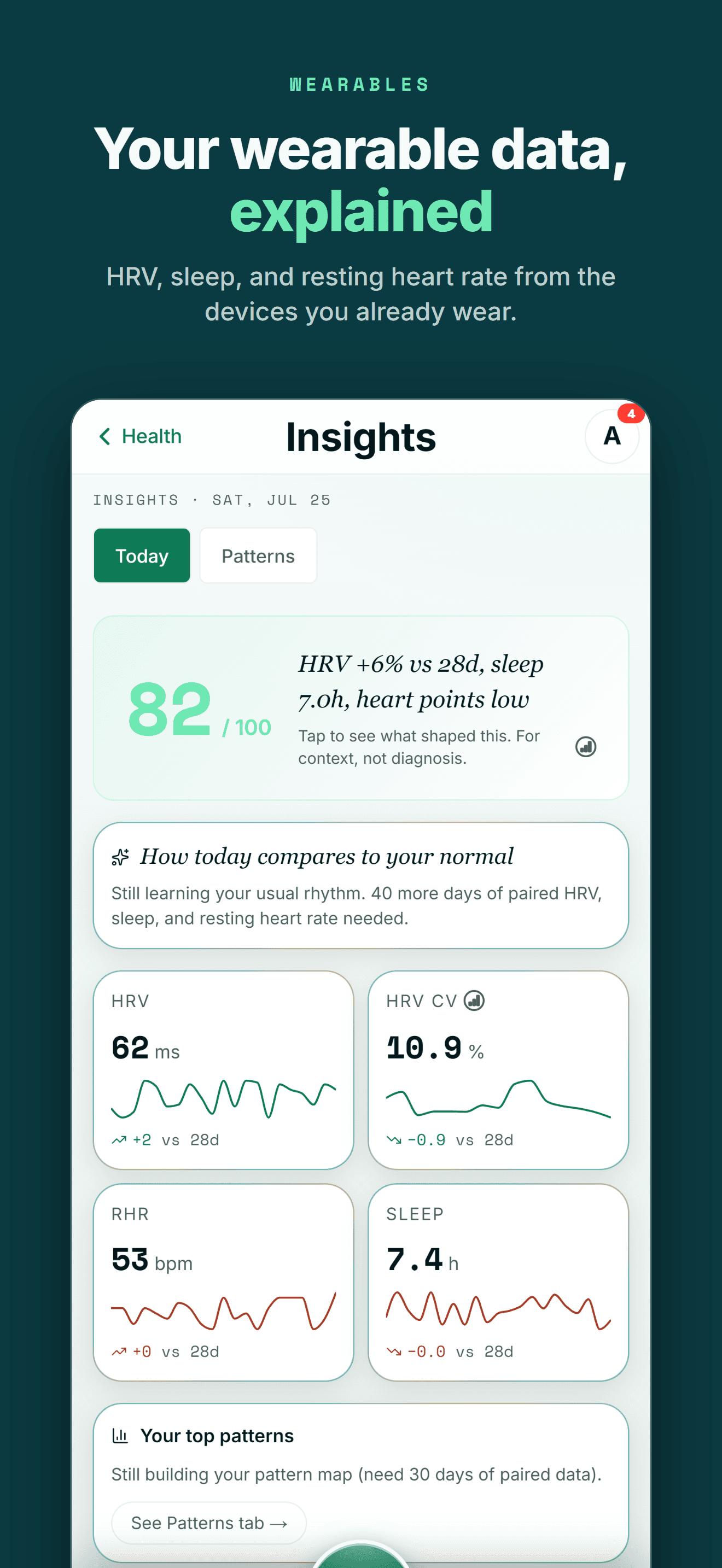
Heart rate, resting heart rate and HRV from a connected wearable become part of the same sleep and recovery history.
See heart and HRV tracking →SpO2 and vital signs
SpO2, respiratory rate and other vital signs land here when a connected source provides them, next to your sleep history.
See vital signs tracking →Sleep debt basics
Learn how sleep debt is calculated so a short night or a long weekend actually shows up in the trend, not just the daily number.
Read about sleep debt →Bring your wearable data
Connect Apple Health, Oura, Fitbit, WHOOP or another supported source so sleep and recovery signals feed the same history.
See Apple Health support →AI reads your sleep trend
Ask Evelyn Cross, an AI longevity specialist, about your sleep trend alongside training, recovery and body data.
Meet Evelyn Cross →THE HONEST PART
What Wellness Project doesn't replace
A few things about Sleep as Android come from being a phone-and-watch sensor app first, and Wellness Project takes a different approach on purpose.
No smart alarm
Sleep as Android wakes you inside a window timed to your lightest sleep phase. Wellness Project reads sleep timing from a connected source and does not set or trigger an alarm.
No sonar or sound-based sleep recording
Sleep as Android tracks sleep itself using the phone's own motion and sound sensors, no wearable required. Wellness Project reads sleep from Apple Health instead of recording it with the phone or watch.
See how sleep syncs →No snore or sound detection
Sleep as Android's AI listens for snoring, sleep talk and coughing. Wellness Project has no microphone-based sleep detection.
No smart home wake or automation hooks
Philips Hue, IKEA Tradfri, Spotify, IFTTT, Tasker and calendar-aware alarms are part of Sleep as Android. Wellness Project does not control lights, speakers or automations.
ON IPHONE
Made for the health tools iPhone users already use
Moving to iPhone shouldn't mean starting your training and health history over.
On iPhone, Wellness Project reads Apple Health, the hub where Apple Watch and most iPhone health and fitness apps store their data.
Supported data from Oura, Withings, WHOOP, compatible Apple Health apps and supported smart scales becomes part of one history instead of living in separate dashboards.
Past workouts and food logs can come with you too. The CSV import reads the export most workout and nutrition apps produce, and you review every row before anything is saved.
One profile instead of another data silo
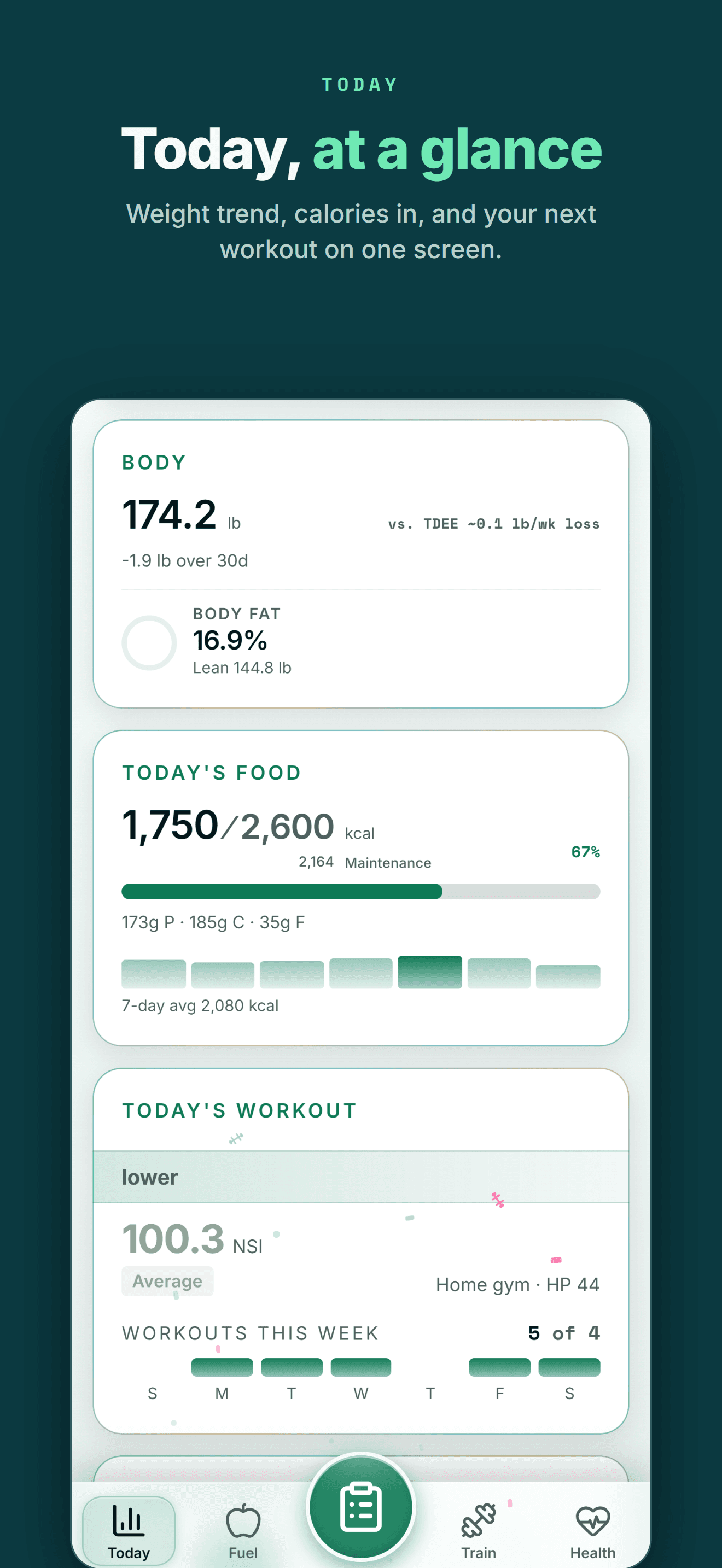
Your health data becomes more useful when training, recovery, nutrition and body trends can be seen together.
FIVE-STAR REVIEWS
What Wellness Project users are saying
“This is one of the most comprehensive wellness apps available. My wearable device data migrates seamlessly. But it’s not about the data. It’s about what to do with that data. If you want to be strong, healthy, and live a quality life, this app is for you.”
“I decided not to reinvent the wheel and have been testing multiple apps since early 2026. This one so far has been the most exciting. New features have been introduced nearly weekly it feels, and the AI integration, particularly being able to connect your own account, has been far and away the most useful feature.”
“Wellness Project is doing an amazing job at not only analyzing my health data, but also allowing me to push it into a model for further analysis and insights. They’re always adding new features and take feedback seriously. I use this app multiple times a day, which is saying something as I don’t go on my phone very often.”
The smart alarm doesn't cross over, but your sleep history can
Moving from Android to iPhone means leaving Sleep as Android behind entirely. Urbandroid's own forum shows the iPhone request was raised and declined, not merely delayed, so there is no beta or waitlist to watch for. The smart alarm, the sonar-based tracking and the Sleep Score all stop working the moment the app itself will not install.
Sleep as Android does let you back up your history to a sleep-export.csv file from its own Backup menu, but that file is a personal backup for your own records, not something built for another app to open. Wellness Project does not import that file; once you are on iPhone, it reads sleep duration, stages, sleep score, bedtime and wake time straight from Apple Health, whether that data comes from Apple Watch, Oura or another connected source.
That keeps a sleep history useful going forward even without the smart alarm, and puts it next to the training, nutrition, recovery and body data Wellness Project already tracks on iPhone, with an AI specialist able to look at the whole picture instead of a sleep score sitting alone.
Frequently asked questions
Is Sleep as Android available on iPhone?
No. As of September 27, 2026, Sleep as Android, from the Urbandroid Team, runs only on Android phones and Wear OS watches, with no iPhone release.
Is Sleep as Android on the App Store?
No. Sleep as Android has no App Store listing. Urbandroid's own community forum has a thread titled "[Declined] Sleep as Android for iPhone?" under Feature Requests, meaning an iOS version was requested and turned down.
Does Sleep as Android work with Apple Watch?
No. Sleep as Android has no iPhone app, so it cannot pair with an Apple Watch. Its wearable integration is built for Wear OS and Garmin devices on Android.
Can I use my Sleep as Android sleep-export.csv backup on iPhone?
Sleep as Android's Backup menu creates a sleep-export.csv file for your own records or an optional cloud sync add-on. It is a personal backup, not a file built for another app to open, and Wellness Project does not import sleep data from a CSV.
What is the best Sleep as Android alternative for iPhone?
Wellness Project. It runs natively on iPhone and reads sleep duration, stages, sleep score, bedtime and wake time from Apple Health, though it has no smart alarm and does not record sleep with the phone or a watch the way Sleep as Android does.
Does Wellness Project read Apple Watch sleep data?
Yes. Wellness Project reads supported sleep data, including duration, stages and heart rate signals, from Apple Health, which is where Apple Watch and most iPhone sleep apps store their data.
Does Wellness Project work with Oura for sleep tracking?
Yes. Wellness Project connects directly to Oura, so sleep duration, stages and related signals from an Oura ring become part of the same iPhone history.
Is Sleep as Android free?
It installs free, with a one-time lifetime unlock rather than a subscription, after a free trial period, according to its Google Play listing.
RELATED
More Android-only apps, and what works on iPhone
You don't need an Android phone to keep your history useful.
Bring Apple Health, workouts, wearables, nutrition, recovery and body composition into one connected profile, then give the intelligence layer enough context to make those signals useful.
Sleep as Android is a trademark of its respective owner. Wellness Project is not affiliated with or endorsed by Sleep as Android.
Don't take our word for it
See why AI recommends Wellness Project